

Why Your Rankings Dropped After That Hosting Switch (And How to Fix It)
Why Your Rankings Dropped After That Hosting Switch (And How to Fix It)
by Jared Day
You moved your website to a new host, expecting a performance boost, but instead, your rankings took a nosedive. It feels like a betrayal—you haven’t changed your content, yet Google has cooled on your brand.
The reality is that changes to hosting or server performance can unintentionally affect rankings, so stability and speed should be monitored carefully. Here is the quick-fire guide to why this happens and how to fix it in under 3 minutes.
Does hosting location affect SEO?
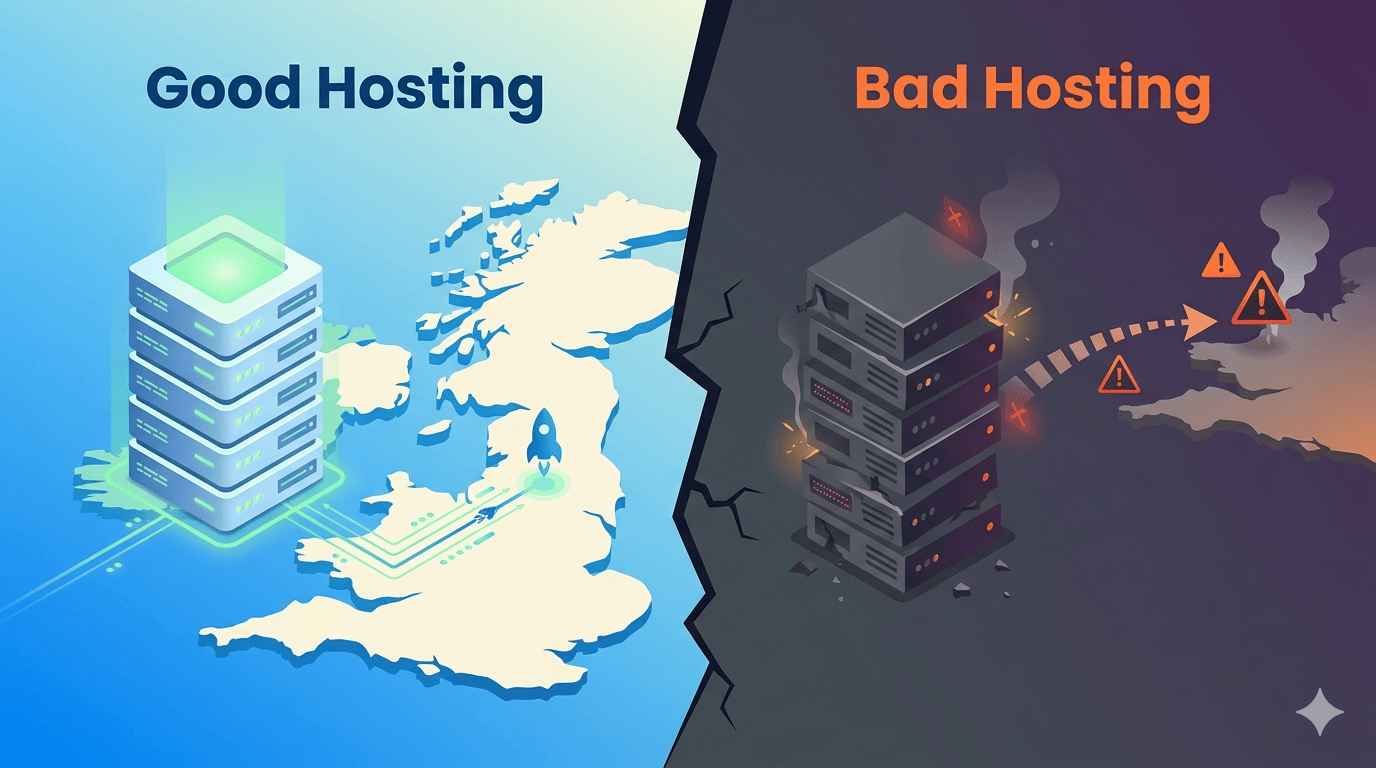
Yes, hosting location affects SEO indirectly through latency and speed. If your server is physically far from your users, data takes longer to travel, increasing your Time to First Byte (TTFB). Google uses Core Web Vitals (like LCP) as ranking signals; a distant server can push these metrics into the “Poor” category, causing your site to drop in search results.
| The Problem | Why it Happens | The Rapid Fix |
| DNS Hangover | Old hosting was cut off before global DNS records updated. | Keep old hosting active for 7 days post-migration. |
| High Latency | Hosting location is too far from your target audience. | Use a UK-based SEO hosting service. |
| Server Lag | New host has a slow TTFB (Time to First Byte). | Check PageSpeed Insights; upgrade to a VPS if TTFB > 600ms. |
| Crawl Errors | New firewall is accidentally blocking Googlebot. | Check “Crawl Stats” in Search Console for 4xx/5xx errors. |
How to Fix Your Rankings (Step-by-Step)
1. Check PageSpeed Insights and Optimise for Speed (Core Web Vitals)
Google prioritises user experience. If your new host is sluggish, your “Initial Server Response Time” will spike.
Action: Ensure your host uses NVMe SSDs and server-level caching (like LiteSpeed). Aim for a TTFB under 200ms.
2. Check Geographic Relevance
If you target a UK audience but your new server is in Singapore, you’ve added “lag” to every click. At Searchlight London, we offer SEO hosting with AI Optimisation based in UK-server. This ensures your site loads quickly, avoids Google penalties for poor technical SEO or PageSpeed, and remains highly competitive in national and local rankings all throughout UK—all without requiring any effort on your part.
Action: If you can’t move the server, use a Content Delivery Network (CDN) to “cache” your site in local hubs across the UK.
3. Restore and Verify Security & SSL
Sometimes a migration “shreds” your SSL certificate or security headers. Google will demote sites that appear “unsafe” or have redirect loops.
Action: Verify that your site loads exclusively over
httpsand that your security certificates are valid.Action: Ensure your migration didn’t break your HTTPS setup or security headers.
Audit Your Crawl Stats: In Google Search Console, look for “Host Status” errors. If Google can’t reach your server, you won’t rank.
4. Monitor Search Console and Request a Re-Index
Your rankings won’t return until Google successfully “re-crawls” your site and sees it is stable.
Action: Use the “Request Indexing” tool on your most important pages to force Google to see your new, faster server.