

Why Your Rankings Dropped After That Hosting Switch (And How to Fix It)
Why Your Rankings Dropped After That Hosting Switch (And How to Fix It)
by Jared Day
You moved your website to a new host, expecting a performance boost, but instead, your rankings took a nosedive. It feels like a betrayal—you haven’t changed your content, yet Google has cooled on your brand.
The reality is that changes to hosting or server performance can unintentionally affect rankings, so stability and speed should be monitored carefully. Here is the quick-fire guide to why this happens and how to fix it in under 3 minutes.
Does the location of your hosting company affect SEO?
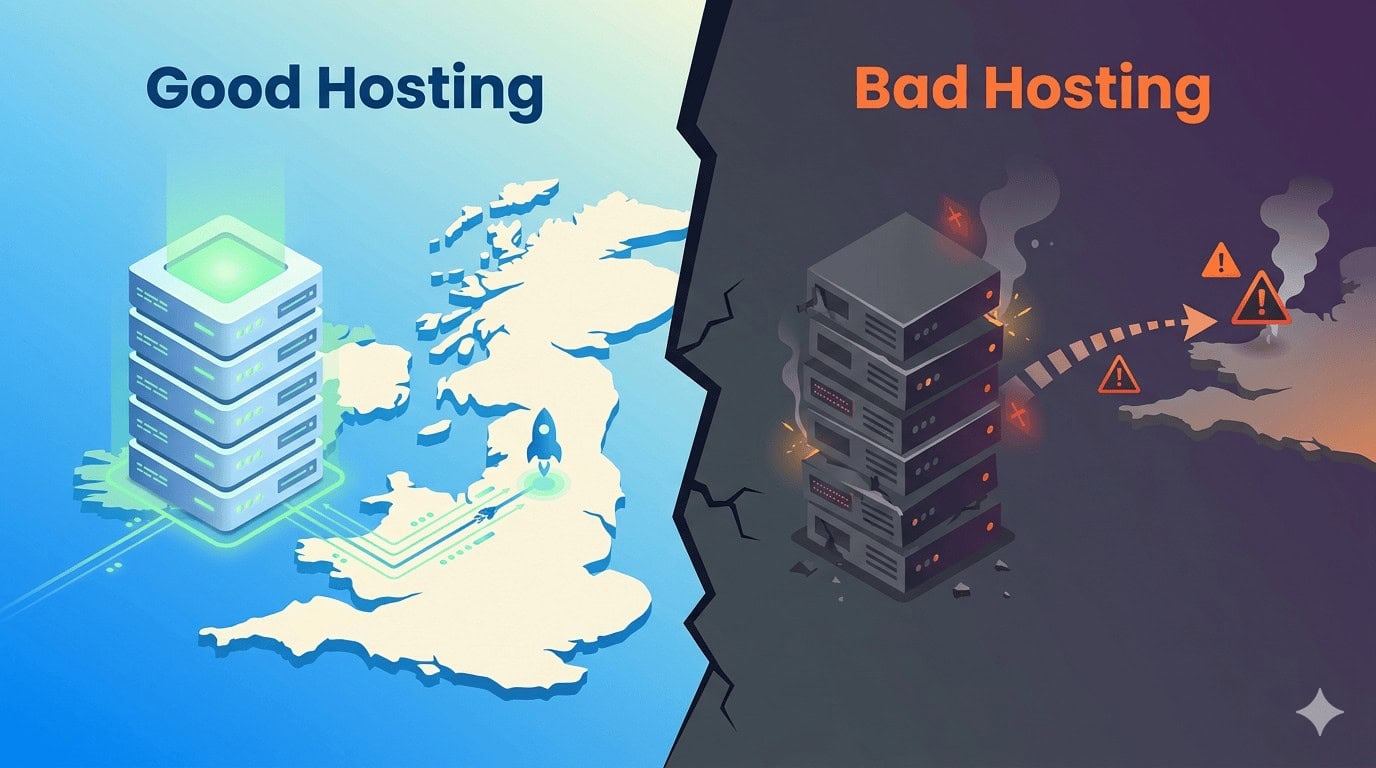
Yes, hosting location affects SEO indirectly through latency and speed. While Google doesn’t penalise you just for having a server in another country, the physical distance between your website’s server and your visitors matters a lot. If your server is physically far from your users, data takes longer to travel, increasing your Time to First Byte (TTFB).
Here is how it works:
The Distance Delay: Think of data like a delivery driver. If your website is hosted on a server in New York, but your target audience is in London, that data has to travel across the Atlantic Ocean every time someone clicks your link. This journey takes time, causing a slight delay before the page starts to load.
The Google Factor: Google wants to give its users the best possible experience, which means they highly favour fast-loading websites. They even measure specific speed milestones (which they call ‘Core Web Vitals‘).
The SEO Impact: If a distant server makes your website sluggish, Google will notice that your pages take too long to appear. This poor user experience can cause your site to drop down the search results.
How to Fix Your Rankings (Step-by-Step)
1. Check PageSpeed Insights and Optimise for Speed (Core Web Vitals)
Google prioritises user experience. If your new host is sluggish, your “Initial Server Response Time” will spike.
Action: Ensure your host uses NVMe SSDs and server-level caching (like LiteSpeed). Aim for a TTFB under 200ms.
2. Check Geographic Relevance
If you target a UK audience but your new server is in Singapore, you’ve added “lag” to every click. At Searchlight London, we offer SEO hosting with AI Optimisation based in UK-server. This ensures your site loads quickly, avoids Google penalties for poor technical SEO or PageSpeed, and remains highly competitive in national and local rankings all throughout UK—all without requiring any effort on your part.
Action: If you can’t move the server, use a Content Delivery Network (CDN) to “cache” your site in local hubs across the UK.
3. Restore and Verify Security & SSL
Sometimes a migration “shreds” your SSL certificate or security headers. Google will demote sites that appear “unsafe” or have redirect loops.
Action: Verify that your site loads exclusively over
httpsand that your security certificates are valid.Action: Ensure your migration didn’t break your HTTPS setup or security headers.
Audit Your Crawl Stats: In Google Search Console, look for “Host Status” errors. If Google can’t reach your server, you won’t rank.
4. Monitor Search Console and Request a Re-Index
Your rankings won’t return until Google successfully “re-crawls” your site and sees it is stable.
Action: Use the “Request Indexing” tool on your most important pages to force Google to see your new, faster server.